
Create, issue, and verify certificates
in one workspace.
Design a branded certificate, add your recipients, and review before issuing. Reuse your setup for the next group, with delivery records and public verification links in one place.
100 web-editor credentials per month on your free account. No credit card required.
Explore the sample journey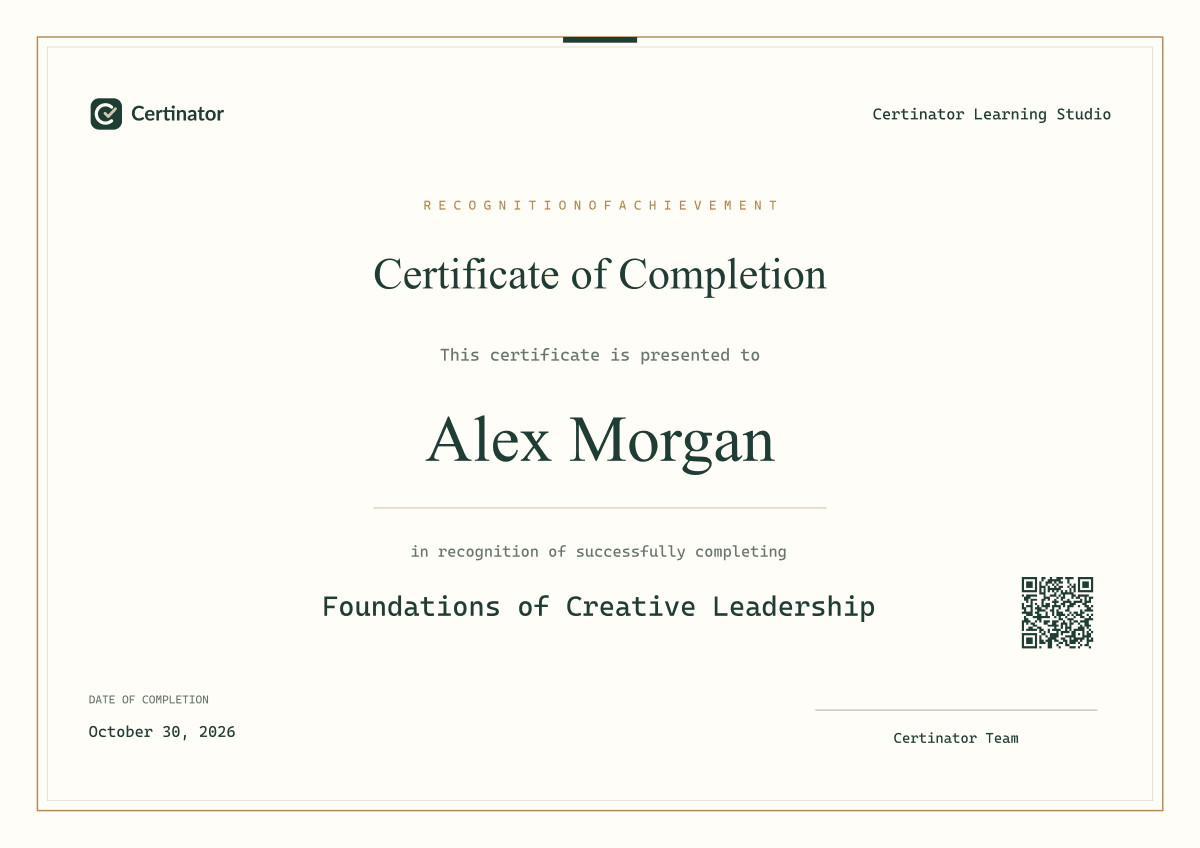
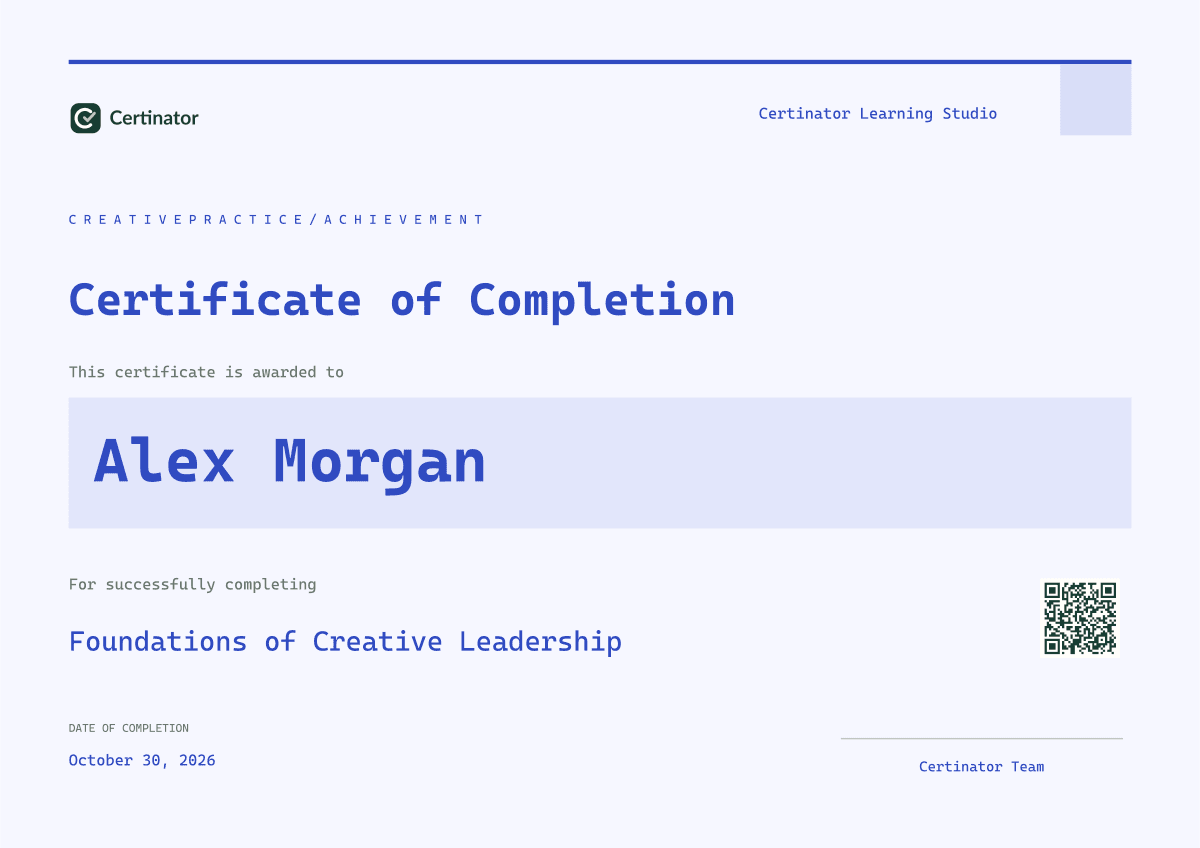
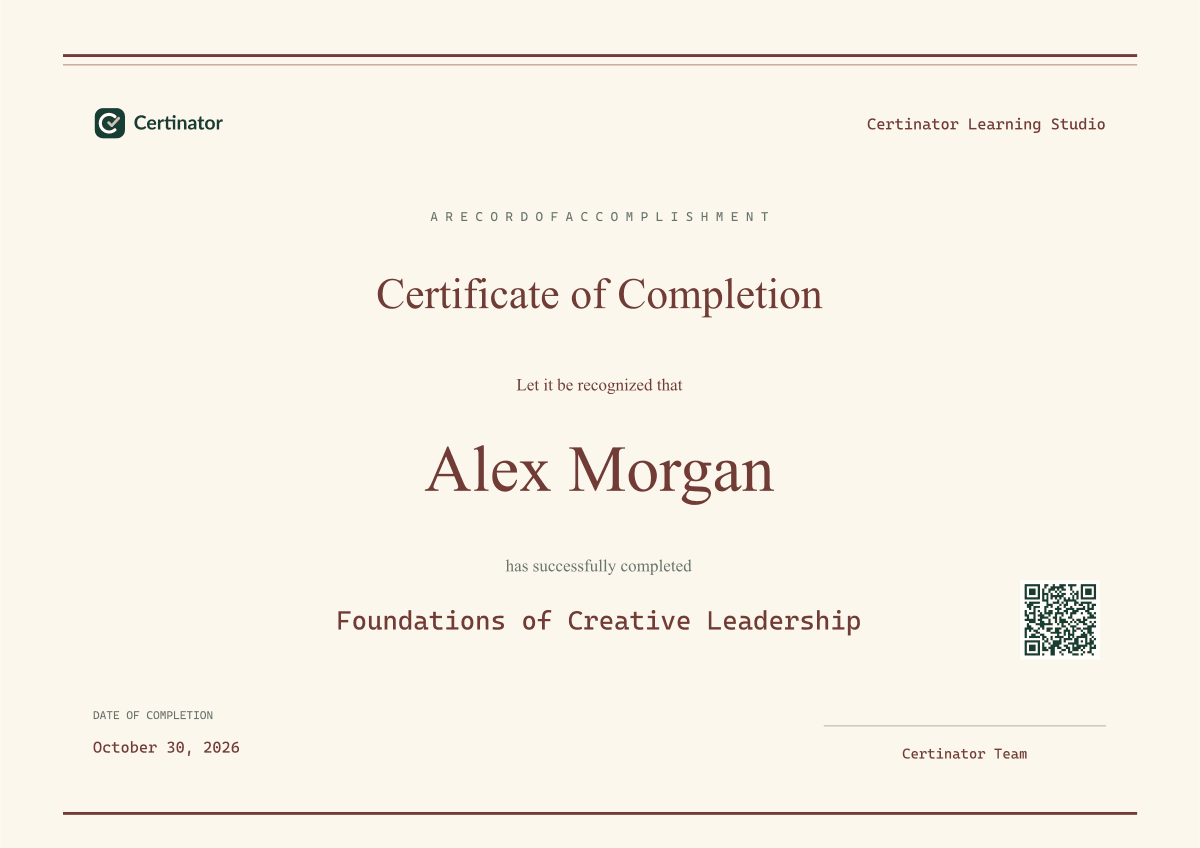
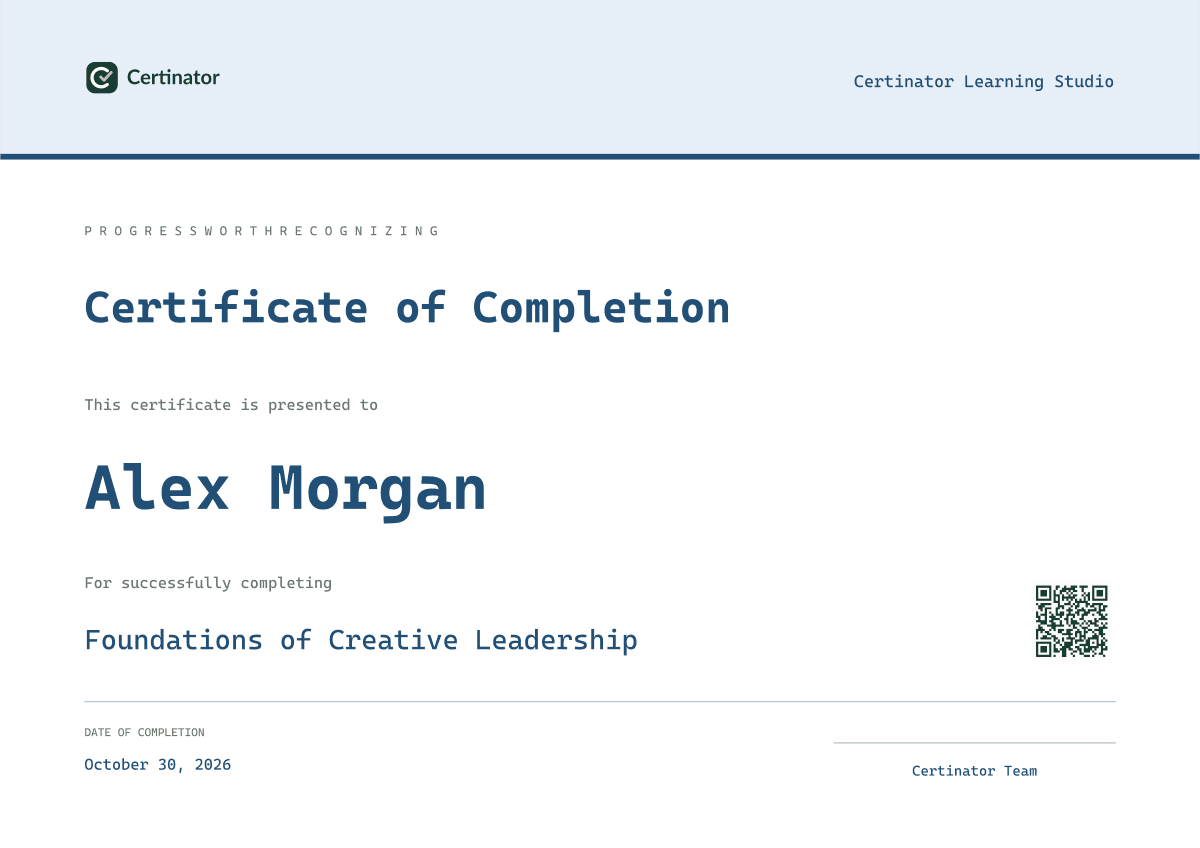
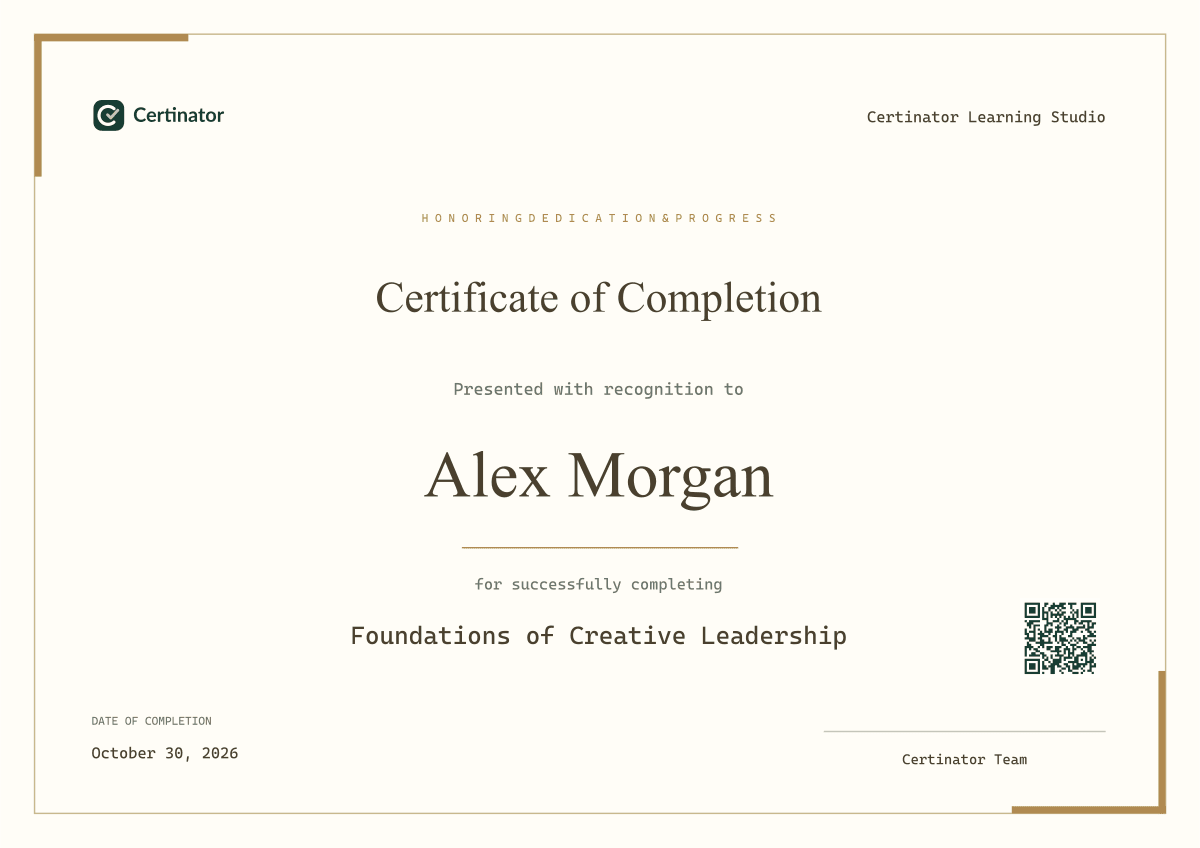
Training providers · Educators · Professional programs · Organizations
FICTIONAL SAMPLE · NO ACCOUNT NEEDED
Follow a certificate from design to record.
Explore a fictional workshop. These controls only change this demonstration; they do not save recipients, send emails, or publish credentials.
STEP 1 OF 7 · Choose a design
A branded starting point
Meridian, customized for Northline Learning Studio. The design sets the visual layout; a credential setup adds reusable details and issuance settings.
Browse available templates →MORE THAN A FINISHED PDF
A complete home
for your credentialing work.
Your designs, people, issuance records, and delivery tools work together.
Design your credentials
Create certificates, badges, transcripts, training records, assessments, and letters with a compact visual editor.
Configure once. Issue again.
Save the credential details, design, delivery, and verification settings in a reusable credential template.
Keep recipients organized
Add contacts or import a CSV. Select the people receiving a credential and continue directly to review.
Review every issuance
Check the credential and recipient details before issuing. Keep issued credentials in a dedicated record library.
Manage delivery
Use reusable email templates, review delivery statuses, and resend from your email history when needed.
Make verification accessible
Publish a verification link with selected public fields. Manage visibility, expiration, and revocation separately.
ONE CONNECTED WORKFLOW
Reuse your certificate setup
for every new group.
- 01
Create a credential setup
Design controls how the certificate looks. A credential setup adds reusable details, delivery, and verification settings.
- 02
Select your recipients
Add or import recipients, select the people to recognize, and choose the credential template.
- 03
Review and issue
Confirm the details, download the credentials, and choose email delivery and public verification.
- 04
Manage what happens next
Track delivery, find issued credentials, and manage verification records in separate libraries.
READY-MADE CERTIFICATE DESIGNS
Your brand.
Your kind of credential.
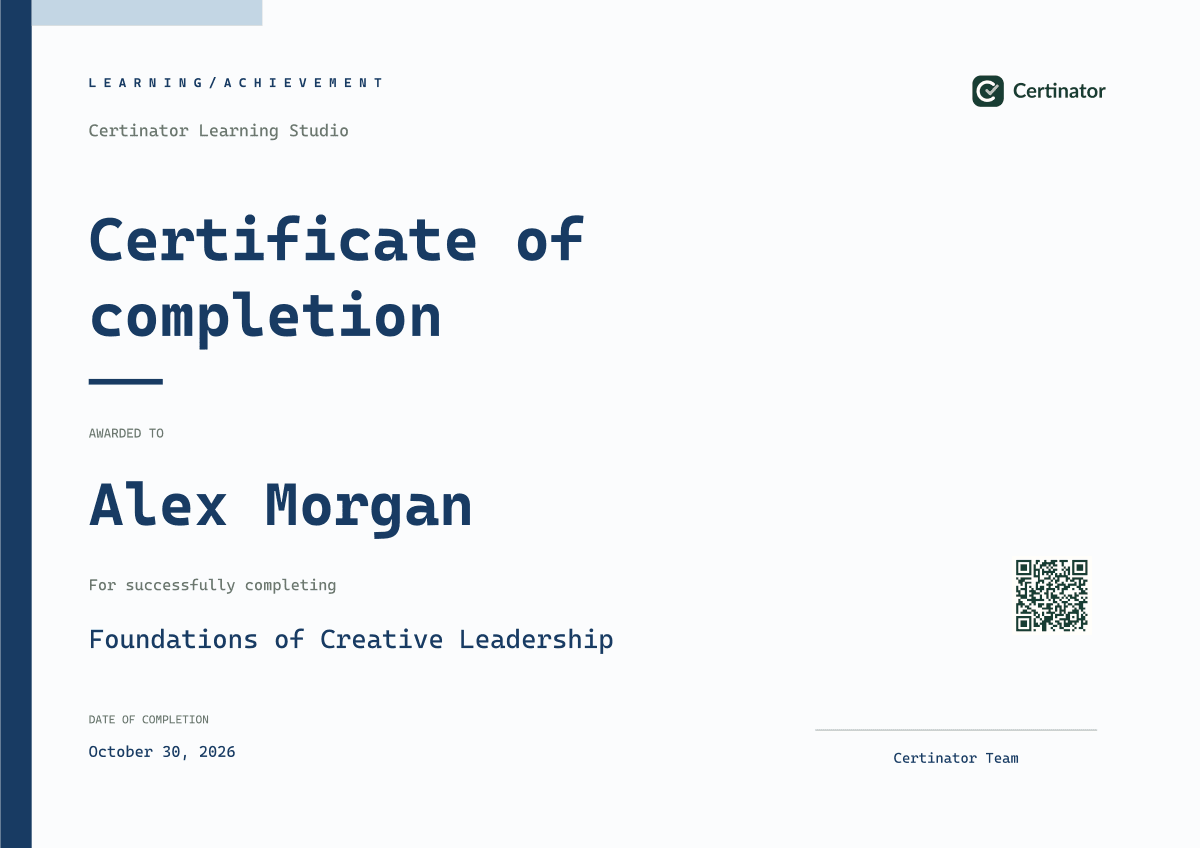
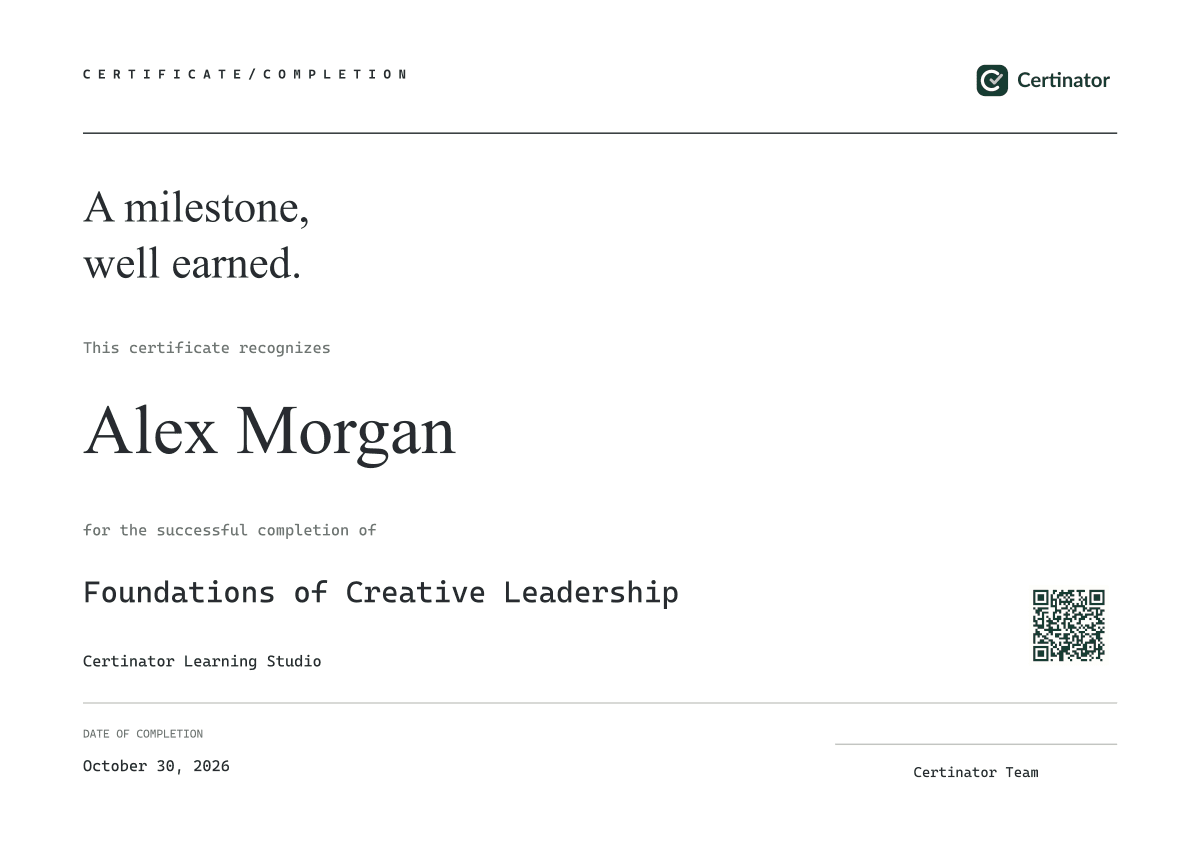
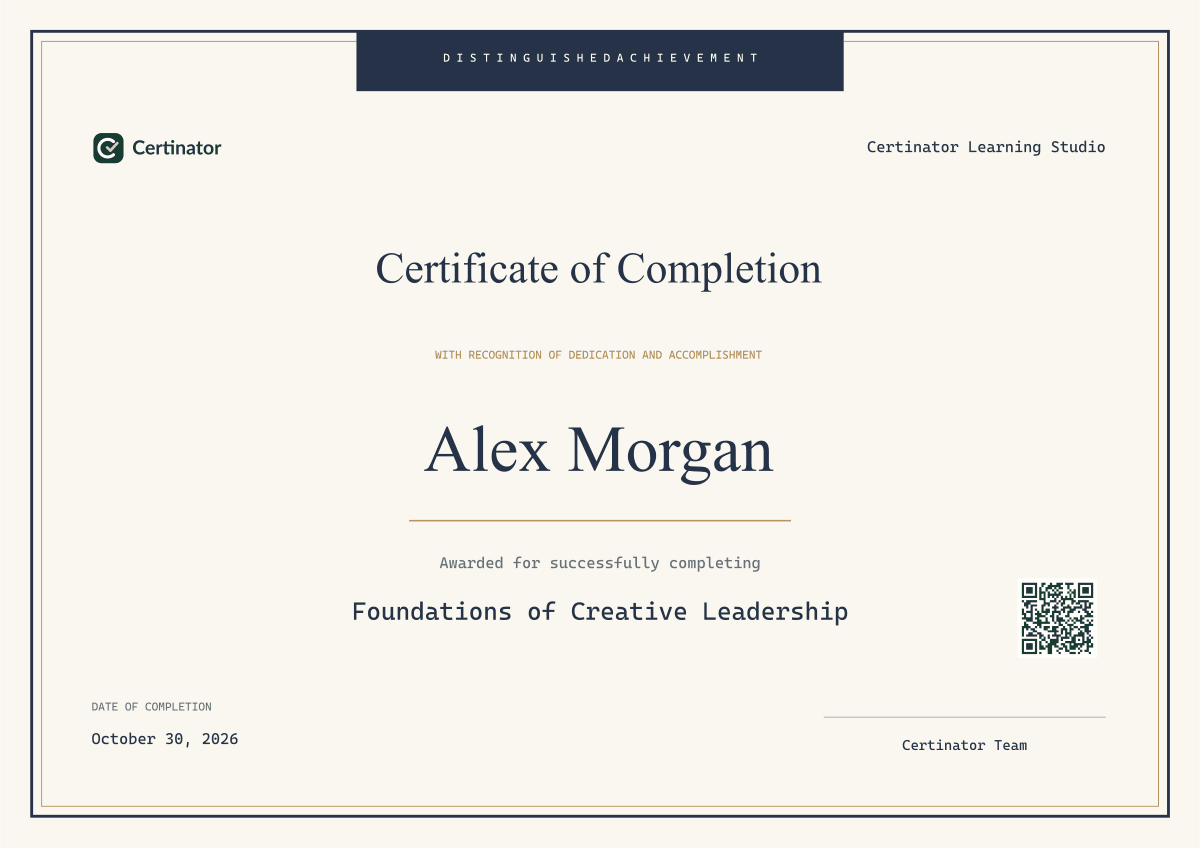
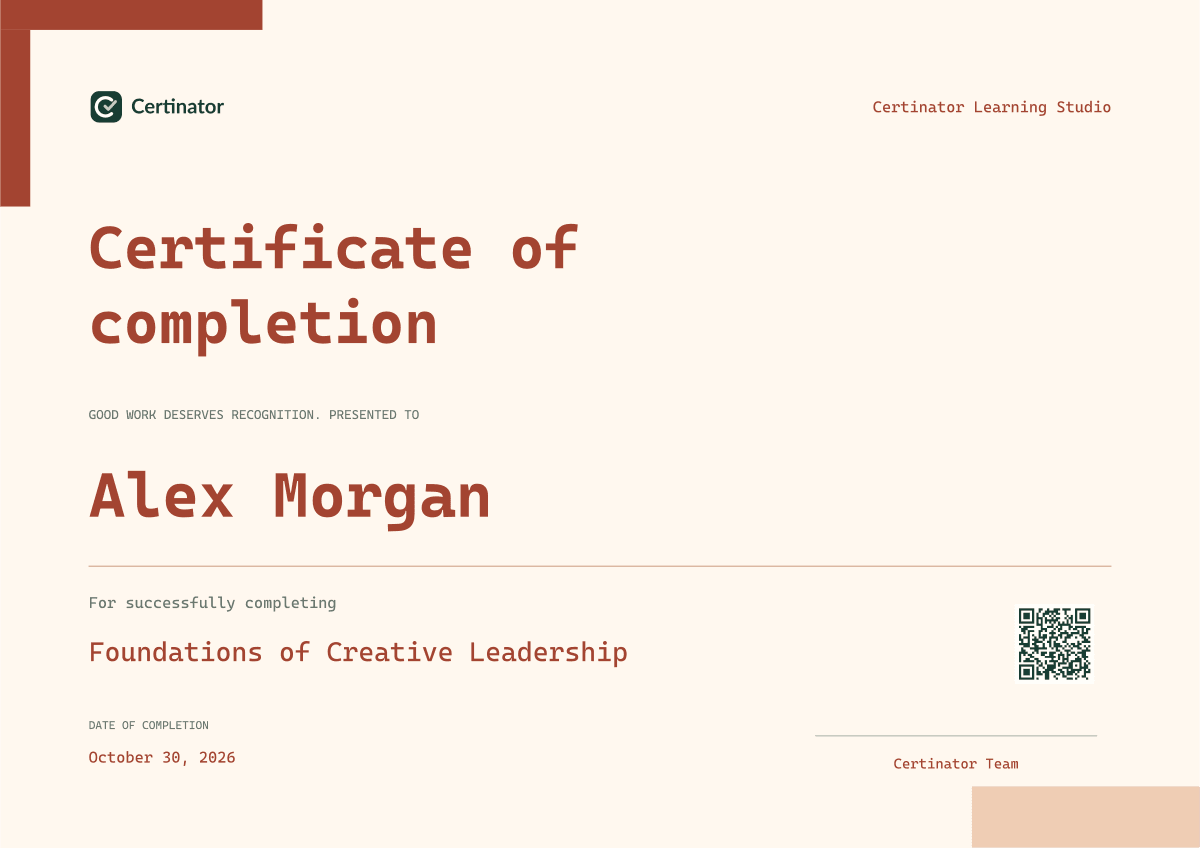
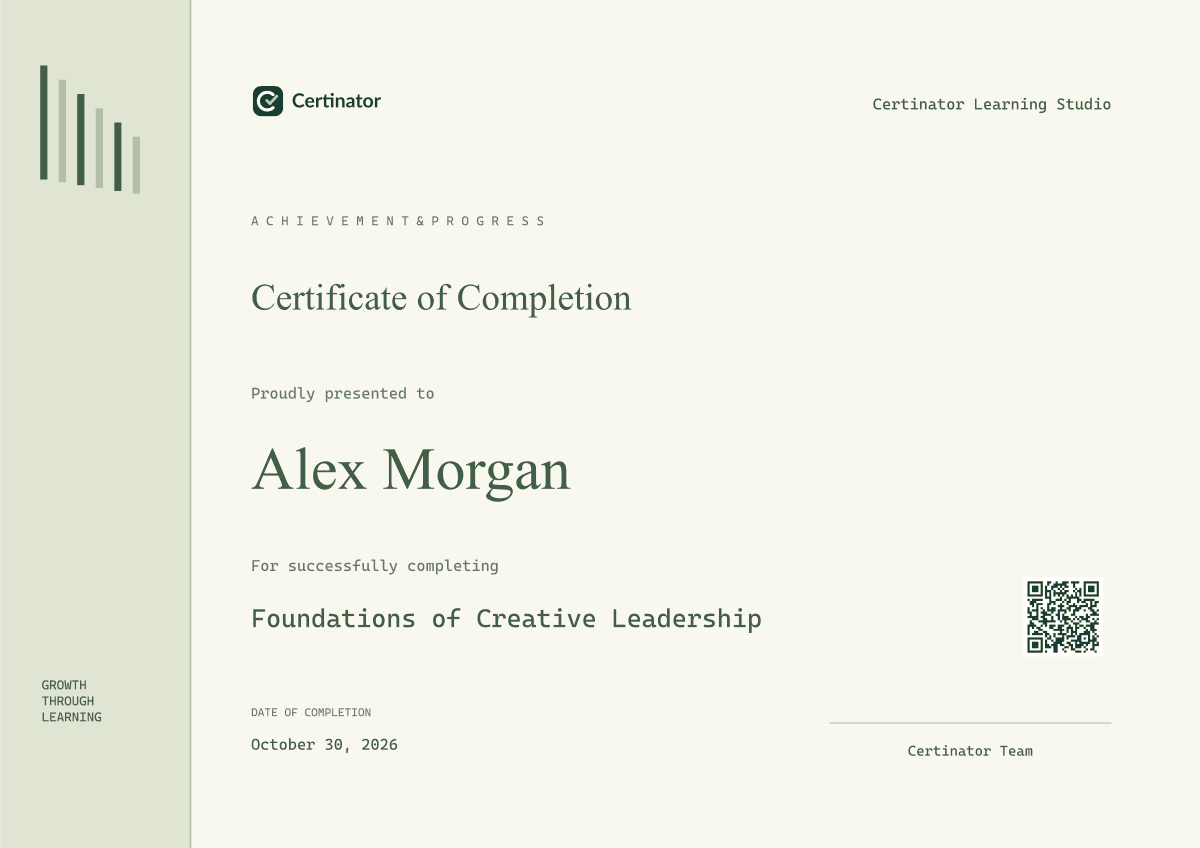
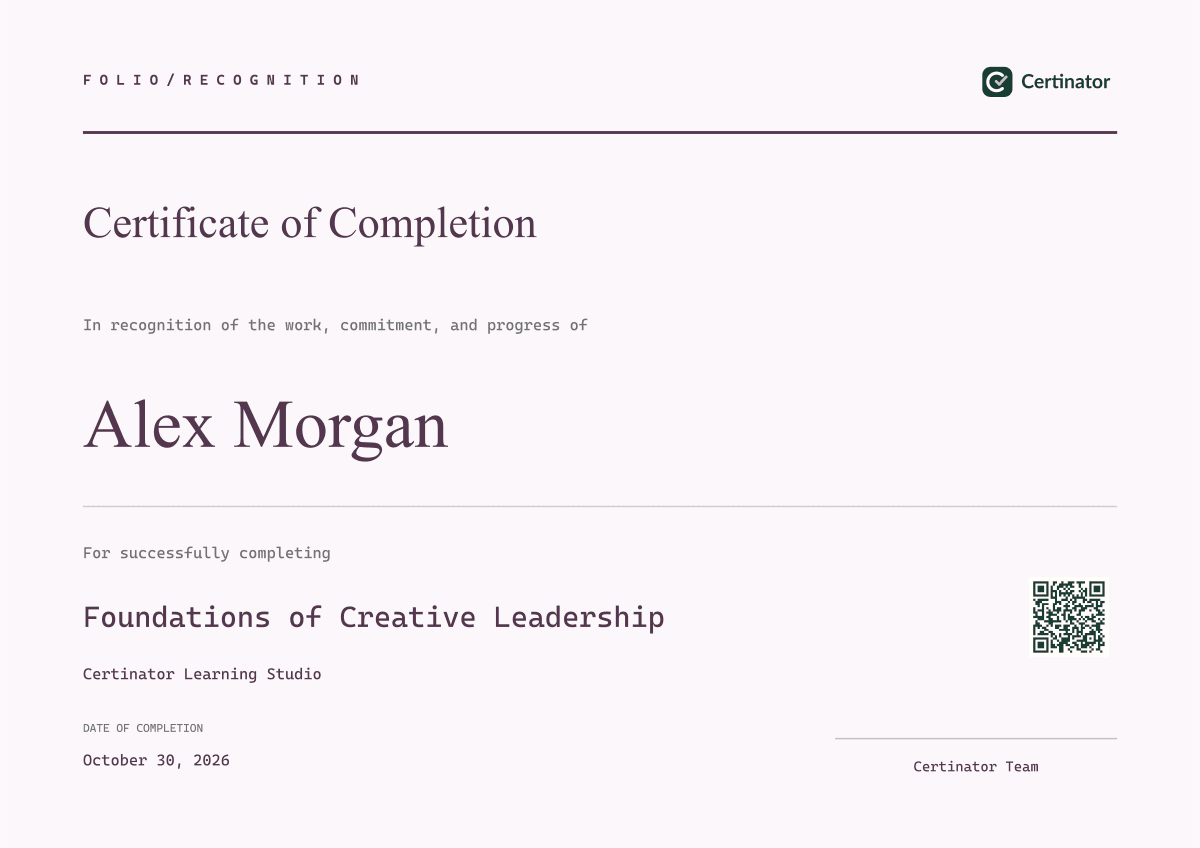
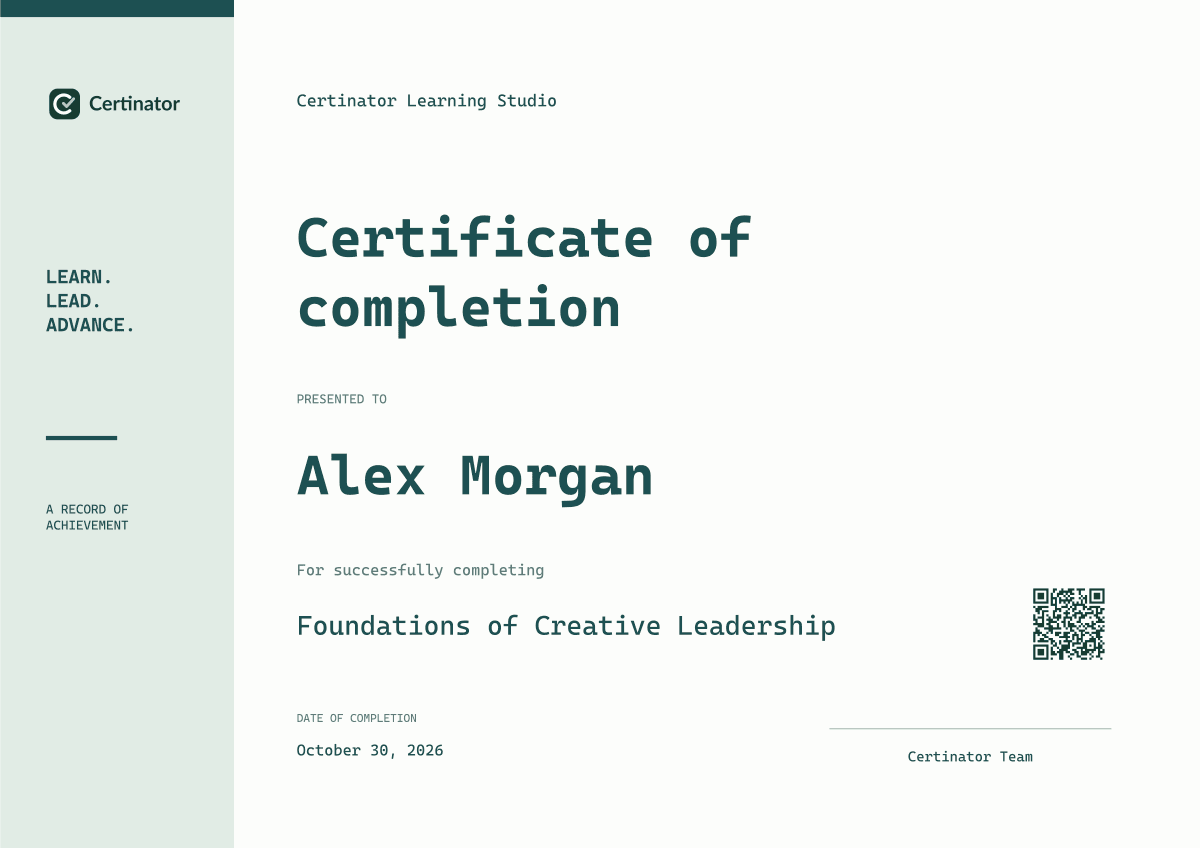
Start with published certificate templates. You can also create your own badge, transcript, training record, assessment, or letter layout in the editor.
Explore the template marketplaceCONNECT YOUR WORKFLOW
Credentials in your product.
Automation on your terms.
Use the REST API and MCP integration for supported generation and verification workflows. Scoped keys and plan-based allowances keep access clear.
Explore API & integrationsYOUR NEXT CREDENTIALING WORKFLOW
Prepare certificates
for your next course group.
Start free ↗Start with a free account. Choose a plan as your program grows.